

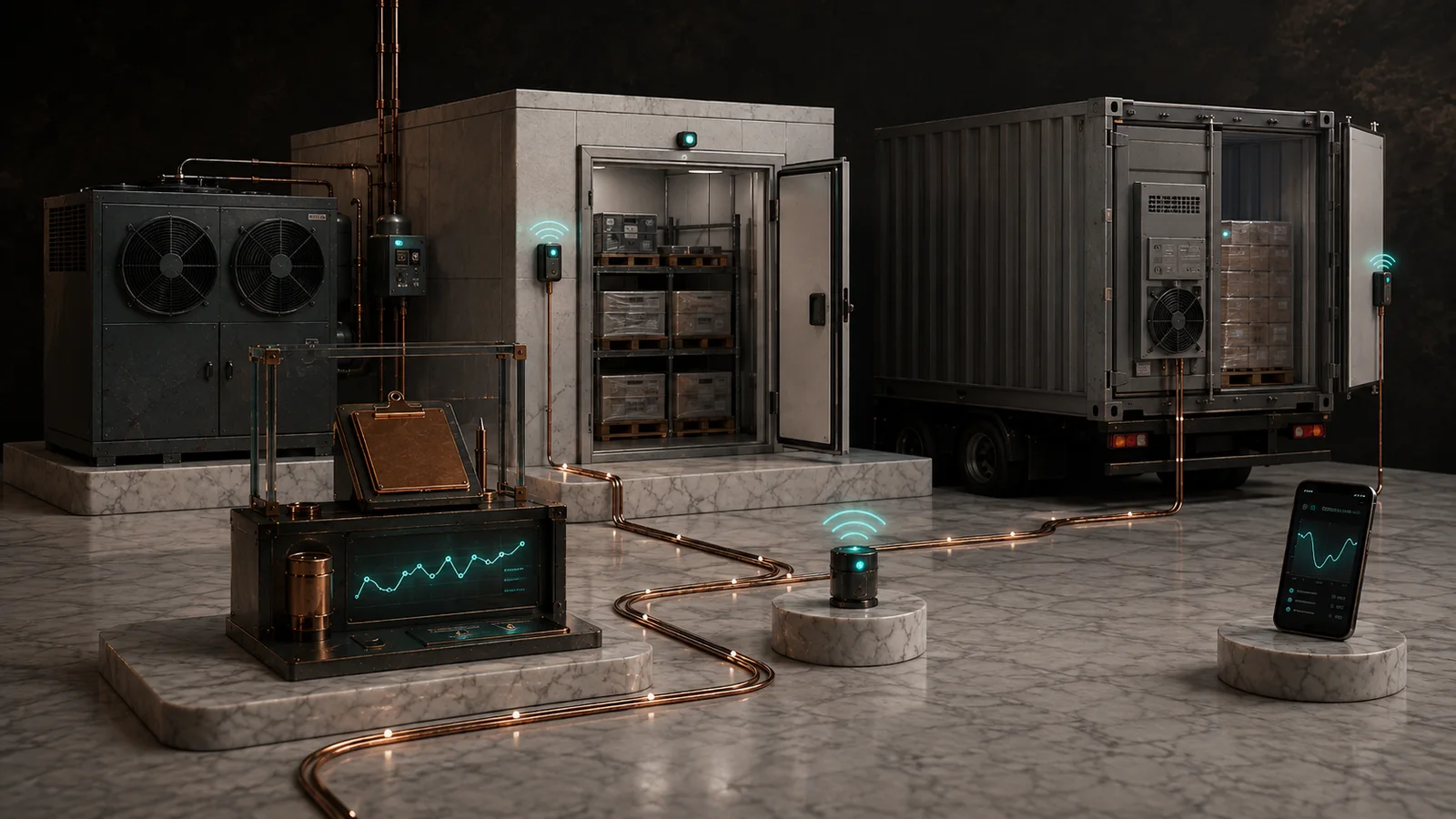
A useful walk-in cooler alert tells someone which cooler needs attention, what changed, how long it lasted and what to check next. A stream of brief temperature warnings during normal loading can make it harder for staff to spot the event that needs a response.
Measure where the reading will be useful
Decide what the device measures: room air, a reference probe with a slower response, or another point chosen for the operation. Those readings answer different questions. Air near a door or supply outlet can behave differently from air around stored stock. Observe the proposed location during ordinary loading and any normal defrost cycle before relying on it.
Use the business’s established checks and procedures to assess products. A room-air trace alone does not establish a product’s temperature or disposition. For food operations, the FDA Food Code resource is a starting point for understanding the distinction; use the procedures and requirements applicable to the site.
Separate a warm reading from a missing reading
- Temperature: Set the review threshold and duration with the person responsible for the cooler and its contents. Keep the actual readings and the start time available.
- Context: If you have a door signal or a controller’s defrost indication, show it alongside the temperature trace. Do not assume that either explains every excursion or silently suppresses a sustained warning.
- Monitoring failure: Report a silent sensor or stale feed separately. An old reading should not look like a current confirmation that the cooler is operating normally.
Illustrative example: two alerts, two responses
In an invented receiving shift, the door opens during unloading and the air reading briefly moves above the site’s example alert level before returning. Later, with the door recorded as closed, the air reading stays above that level long enough to reach the configured duration. The duty manager checks the cooler and follows the site’s product-check procedure. These are example events, not recommended thresholds or hold times.
On a different shift, the monitor stops reporting altogether. The message says “monitor offline,” includes the last valid reading time, and sends the duty manager to the site’s manual checks. It does not label the cooler as warm or cold.
Rehearse the response before relying on the monitor
Write down the primary contact, backup contact and acknowledgement window. Test a warning and an offline event without compromising stored stock. Confirm that the backup receives an unacknowledged alert, that the on-screen history distinguishes recovered from acknowledged, and that staff can record the check and action they took. Keep the controller and local protective functions independent of remote notification.
Start with the equipment monitoring planning guide. If the existing equipment needs a different sensing or communications arrangement, see embedded systems for equipment monitoring.