

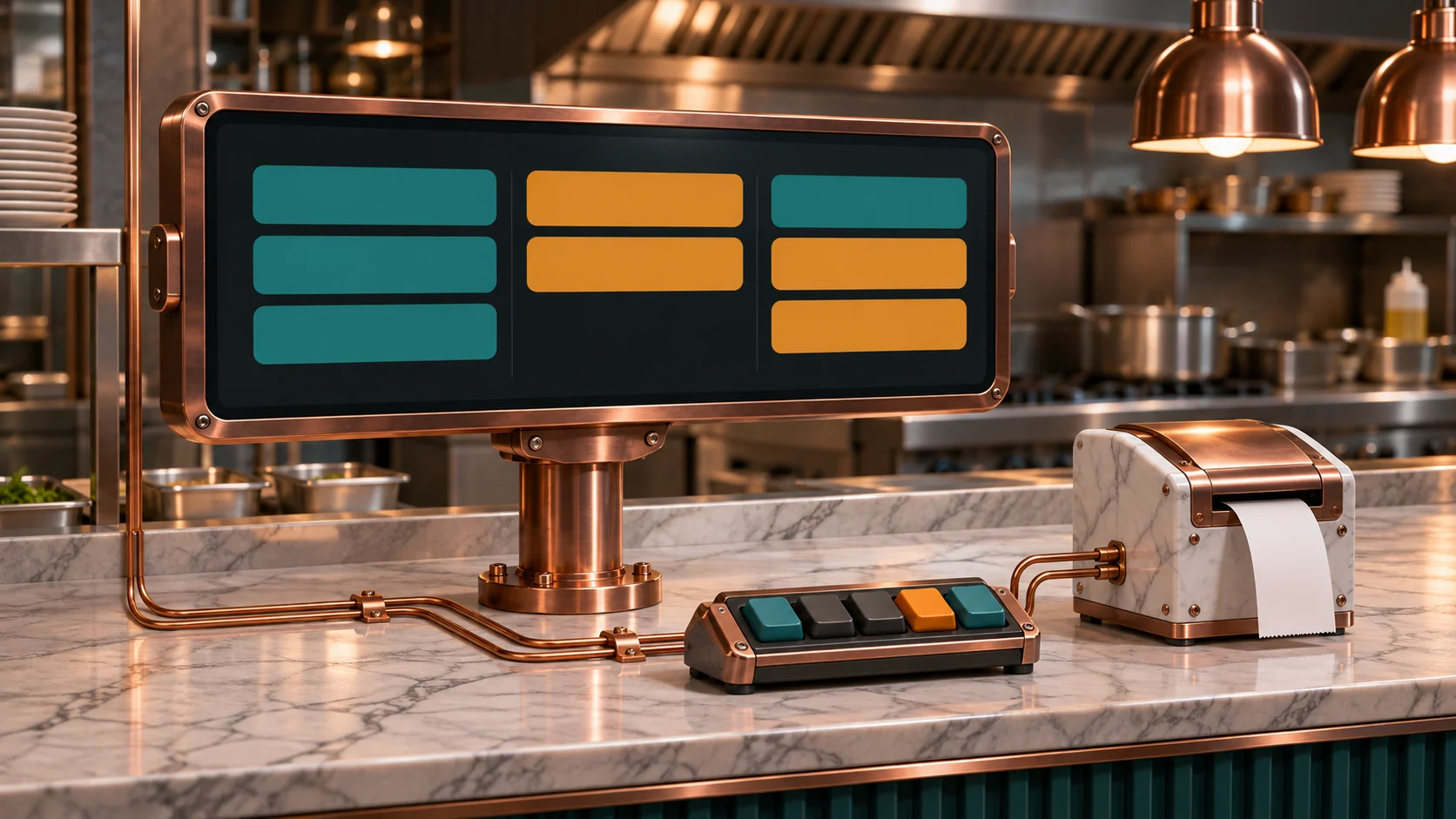
Start with the restaurant’s approved order feed, then route each confirmed order and later change to the stations that need it. Keep the delivery tablet or existing POS workflow available as a fallback. A kitchen display should help staff see missing orders, duplicate deliveries, and unresolved changes before they become a missed meal or a second remake.
This guide is for restaurant operators, kitchen leads, and POS integrators. Start with one delivery source, one location, and two prep stations. Prove the order path during a busy shift before you retire any manual step.
Choose a feed that includes order changes
Check whether the current POS can already bring delivery orders into its own kitchen display system. A supported connector is usually the simplest option if it preserves line items, quantities, modifiers, scheduled release, cancellations, and order identity. Decide who accepts orders and who can change their status. A kitchen bridge can display and track work without taking over acceptance from the POS or marketplace.
For a custom integration, use an approved POS, marketplace or partner API. Confirm the merchant locations, permissions, event types, and what your team can read or update. DoorDash describes its Marketplace API access as limited. Uber Eats documents its partner approval and fulfillment integration. Toast documents the access and location requirements for standard API webhook subscriptions. Use the approved integration for the actual restaurant instead of assuming the restaurant tablet exposes a webhook.
Save incoming events after verifying them as specified by the provider. Track the source, merchant location, stable order identifier, source revision or update timestamp where reliable, and the event identifier. A duplicate event identifier helps identify one delivery retry. A unique order key prevents two events or two paths from creating a second order. Use an explicit source-to-POS ID mapping for any overlapping feeds. If IDs cannot be matched reliably, route overlap to review. A customer name, amount or short printed ticket number can repeat.
Route the items and preserve their changes
- Use approved item mappings. Route using item or menu IDs, with the location’s current station assignment. Keep quantity, modifiers, special instructions and the source’s designated allergy information attached to the affected line. A two-burger ticket with one “no cheese” modifier should preserve which burger it applies to. Unmapped items and ambiguous special instructions need a prominent exception that a person can resolve.
- Keep ticket and station states separate. Record when the source accepted or released the order, when the bridge received it, when each station displayed or acknowledged it, when the operator pressed Bump, and when expo marked the order ready. A bump can mean one station finished its task. It should only trigger a marketplace status update if the approved integration and workflow explicitly define that action.
- Handle edits and cancellations visibly. Link changes to the original order and, where available, the original lines. Show what changed and require acknowledgment if prep has started. Never silently remove a canceled ticket from a station that may already be cooking it. After a reconnect, compare queued events against the latest authoritative state before reopening old work.
A bridge can keep station tasks in durable storage and give each a stable order, line and station identity. When a screen reconnects, resend the current station state and check that acknowledgment applies to the expected revision. Use a documented lookup or reconciliation report to detect missed events. Toast’s webhook setup guidance provides an example of reconciling with a fallback API.
Decide whether a printer bridge can help
If the POS has no useful order API, ask about a supported second print destination or spool export. A read-only mirror can show a copy of what the POS sent while the approved printer keeps working. It cannot reconstruct a canceled order if the POS never prints a cancellation. Keep the POS or tablet as the source of truth and test the actual print layouts before relying on a mirror.
A supported inline gateway is a different project. It must preserve printer replies, timing, hardware flow control where used, and recovery when either side goes down. Compare that risk with installing a supported secondary output. Obtain vendor and operator approval and plan a physical or supported operational bypass. Avoid inserting a prototype into the sole production printing path.
ESC/POS is a command stream containing control bytes and sometimes binary graphics or barcodes. A job can arrive in fragments, and one read may contain the end of one ticket and the start of another. Use the authorized job boundary when it exists. Decode supported commands and text under the selected code page, and validate fields against captured fixtures. Include character table changes, multiline modifiers, raster-only tickets, repeated prints, cancellations, and missing or truncated endings. A paper cut can help delimit a known template but cannot prove order validity. Hold unsupported or incomplete jobs for staff review. Epson’s data processing reference and command list show why stripping nonprintable characters is insufficient.
An ESP32-S3 can collect a supported serial feed, handle a local bump bar and send status to a display service. A wired version needs an external Ethernet controller, for example a supported SPI Ethernet module. The S3 does not have a native Ethernet MAC for an RMII PHY. See Espressif’s ESP32-S3 Ethernet guide. For RS-232, use the correct line interface and verify connector pinout, baud, parity and handshake. A MAX3232-class transceiver translates voltage levels. Isolation, when required by the installation, is a separate design decision. Never attach RS-232 signal lines directly to the microcontroller.
Use a supported USB HID bump bar where practical. Check the S3 USB host, device descriptors and exact key reports, power budget and reconnection. A vendor-specific keypad may need a different host driver. Map keys to visible station actions, suppress accidental repeats, and prove that a disconnected keypad cannot silently finish work. If using a local chime, route the signal through suitable drive circuitry and choose a volume that staff can hear in service.
Review a busy service period with the kitchen lead
In this example, the delivery system shows 42 accepted orders during a one-hour lunch period. Forty appear at all required stations within 15 seconds of release. One appears after 53 seconds. One is missing from the screen and a shift lead enters it from the approved tablet fallback using its original source order ID. When the delayed event for that order arrives, it reconciles against the manual record instead of reopening prep. Seven duplicate notifications received during the hour create no additional tickets.
For an order with grill and packing work, the grill cook bumps the grill task at 12:09. Packing acknowledges its task later, and expo marks the order ready at 12:13. If the order was released at 12:04, the restaurant can measure five minutes to grill completion and nine minutes to order readiness. Check station display time if you also want to measure elapsed time at that station. A single bump cannot explain all of the wait.
Report 40 of 42 on-time displays in this illustrative period, with one delayed and one manual recovery. Count duplicate tickets, missing modifiers, cancellations that arrived after prep began, and staff follow-up separately. Use a source report as the denominator. Measuring only the orders visible on the screen hides the missed orders.
Commission the workflow before removing rekeying
- Compare real ticket variants. Use authorized test orders for multi-item modifiers, language and character sets, quantity changes, special instructions, scheduled releases, and cancellations. Review the original order, station cards, and printed output together with the kitchen lead.
- Test recovery deliberately. Lose the WAN, unplug a station, restart the bridge mid-order, send partial print jobs, and replay an event after the fallback has been used. The screen should flag a stale feed and preserve known work. Staff should know when to switch to the original POS or tablet and how to reconcile it when connectivity returns.
- Agree on a service target. Measure time from order release to each station and time until ready. Review the slower end of the timing distribution alongside missing and duplicate counts. Set thresholds with the kitchen lead and assign someone to respond when an order arrives outside them.
Keep the supported source workflow available until the restaurant can trace each accepted order to a correct station ticket, a documented cancellation, or an exception with an owner. Then compare the observed manual effort with the cost and support demands of the bridge.